AI 영상 편집
9.5 크레딧부터
기존 영상을 AI로 새롭게 편집하세요. 스타일과 분위기를 바꾸고, 효과를 더하거나 장면 속 요소를 원하는 모습으로 수정할 수 있습니다.
첫 편집을 시작해 보세요
원본 파일과 원하는 변경 사항을 입력하거나 예시를 사용해 보세요.


생성에 필요한 입력
간단한 편집 지시를 사용하세요. 특정 부분만 바꿀 때는 유지할 요소도 함께 적으세요.
사용 모델
-
ByteDance
-
Google
-
xAI
예시
밤 → 황금빛 새벽 (시네마틱)
Grok Imagine Video. 울트라와이드 야간 활공을 구름 바다 위 황금빛 일출로 다시 상상했습니다. 지시 하나로 환경과 조명을 통째로 바꾸면서도 Pyra는 또렷하고 그대로입니다.
- 개 입력
- 4
- 필수
- 2
- 요금
- from 9.5 크레딧
| 입력 | 유형 | 기본값 | 설명 |
|---|---|---|---|
instructions | string | 기본값— | 간단한 편집 지시를 사용하세요. 특정 부분만 바꿀 때는 유지할 요소도 함께 적으세요. |
video_url | string | 기본값— | 최대 10초 길이 영상의 공개 URL입니다. |
model | enum | 기본값auto | 사용할 영상 모델입니다. Auto로 두면 Pipe2가 편집 요청을 지원하는 모델을 선택합니다.auto · gemini-omni-1-1-flash · grok-imagine-video +3autogemini-omni-1-1-flashgrok-imagine-videoseedance-2-0-miniseedance-2-0-fastseedance-2-0-pro |
reference_images | array | 기본값— | 선택 사항: 피사체나 스타일 레퍼런스 이미지를 최대 4개까지 사용할 수 있습니다. Gemini Omni 1.1 Flash만 지원하며 Grok Imagine은 레퍼런스 이미지를 지원하지 않습니다. |
MCP 클라이언트를 pipe2에 연결하면 에이전트가 이 도구들을 사용할 수 있습니다. 이 파이프라인을 찾아 위와 동일한 스키마를 읽고 실행합니다.
list_pipelinesget_pipeline_schemarun_pipelineget_pipeline_run_statusrequest_upload
https://mcp.pipe2.ai/mcp {
"mcpServers": {
"pipe2ai": {
"url": "https://mcp.pipe2.ai/mcp",
"headers": { "Authorization": "Bearer YOUR_TOKEN" }
}
}
}이 파이프라인 관련 기사
모든 아티클 보기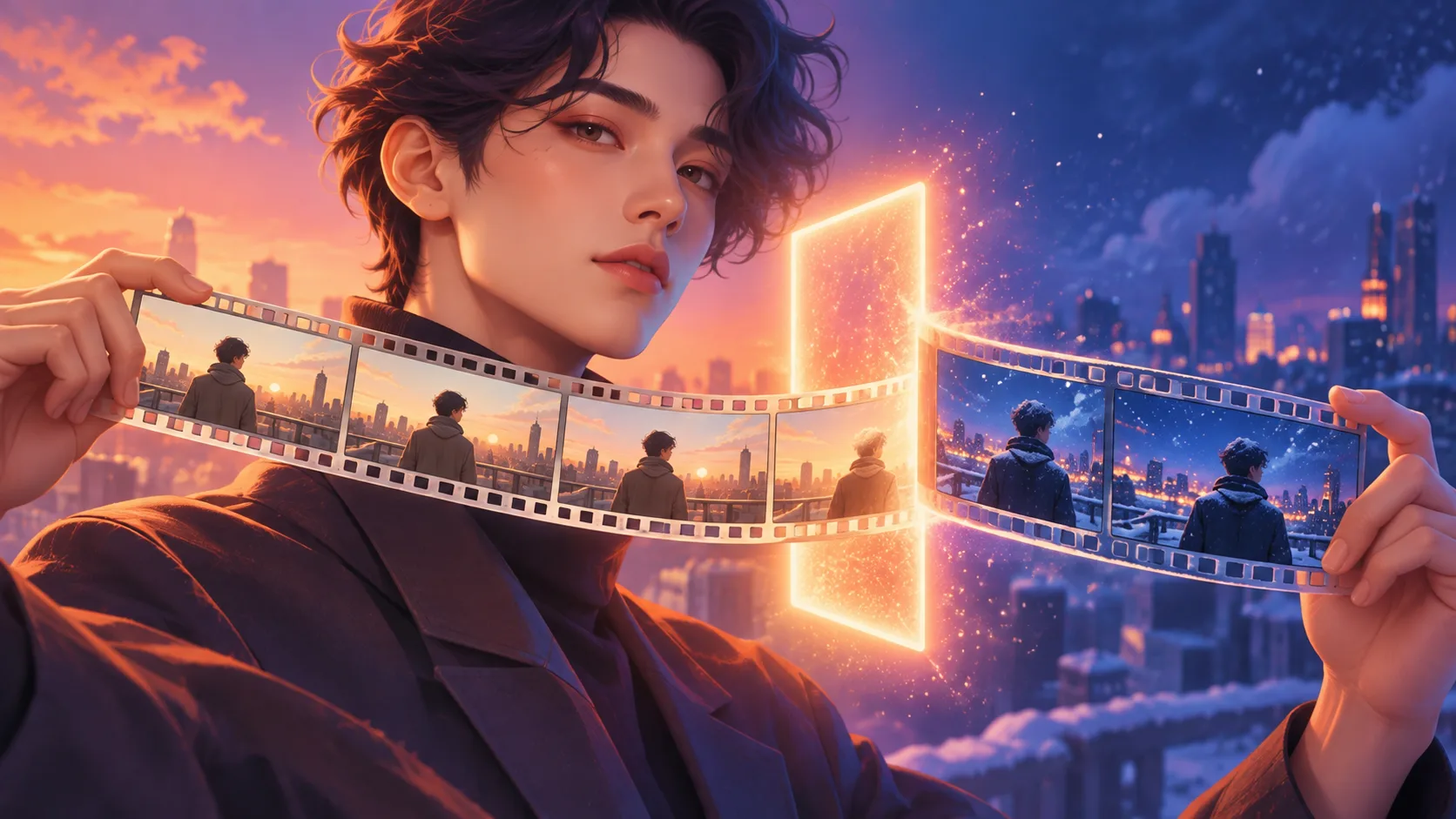
자주 묻는 질문
어떤 영상 형식을 지원하나요?
MP4와 WebM 등 일반적인 영상 형식을 지원합니다. 클립이 너무 길다면 먼저 Video Trim으로 필요한 구간만 잘라 사용하세요.
편집에 얼마나 걸리나요?
편집 내용의 복잡도에 따라 보통 1~3분 정도 걸립니다.
원본 영상의 모습이 그대로 유지되나요?
요청한 부분을 바꾸면서 장면의 나머지 요소는 최대한 일관되게 유지합니다. 다만 결과는 원본 픽셀을 그대로 수정하는 방식이 아니라 장면을 새로 생성하는 방식이므로 일부 디테일이 달라질 수 있습니다.
다른 편집 단계와 연결할 수 있나요?
네. 결과물을 Video Editor로 다시 다듬거나 Video Reel에 넣어 다른 클립과 이어 붙일 수 있습니다.
비용은 얼마인가요?
편집 1회당 from 9.5 크레딧입니다.
AI 영상 편집기
영상을 업로드한 뒤 원하는 변화를 말로 설명하세요. 시각 효과나 새로운 분위기를 더하고, 색감과 스타일을 바꾸거나 장면 전체를 새롭게 연출할 수 있습니다.
작동 방식
- 영상 업로드: 약 8초 이내의 짧은 클립을 준비합니다
- 변경 내용 설명: 추가하거나 없애고 싶은 요소, 바꾸고 싶은 분위기를 적습니다
- 편집 결과 확인: 요청한 부분을 반영하면서 나머지 장면은 최대한 일관되게 유지합니다
편집할 수 있는 것
- 시네마틱 룩, 필름 그레인, 야간 장면 등으로 시각 스타일 바꾸기
- 비, 눈, 먹구름, 안개 같은 날씨 효과 더하기
- 따뜻한 색감, 차분한 저채도, 빈티지 톤 등으로 색과 분위기 조정하기
- 배경을 교체하거나 사물의 형태를 바꾸고 새로운 시각 효과 추가하기



