YouTube Cover
Generate scroll-stopping YouTube thumbnails from your video title, bold composition, expressive focal point, and a punchy headline rendered right on the image.
Create your first image
Start with a prompt or try an example.

Runs on
-
Google
Examples
Bold: Pyra, fully automated
Gemini 3 Pro Image. Pyra's portrait becomes a billboard-bold YouTube thumbnail: face front and centre, a crisp baked "FULLY AUTOMATED" hook, her violet infinity mark as the symbol. One title in, a click-ready 16:9 cover out.
YouTube Cover API
Call this pipeline from your own code. One request dispatches a run; the model is an input field, not a separate endpoint.
Get an API token- inputs
- 4
- required
- 1
- Pricing
- 5.3 credits
| Input | Type | default | Description |
|---|---|---|---|
title | string | default— | The video title, drives the composition. Write it like a headline: specific, concrete, emotional. |
description | string | default— | Optional extra context to shape the visual (channel genre, mood, key scene). |
style | enum | defaultbold | Art direction preset. bold = saturated and dramatic, minimal = editorial and spacious, clickbait = extreme reaction face, cinematic = teal-orange film still, vlog = warm lifestyle, gaming = neon and motion blur.bold · minimal · clickbait +3boldminimalclickbaitcinematicvloggaming |
subject_image | string | default— | Optional: URL of a face or product photo to anchor the thumbnail. |
Point any MCP client at pipe2 and your agent gets these tools. It finds this pipeline, reads the same schema above, then runs it.
list_pipelinesget_pipeline_schemarun_pipelineget_pipeline_run_statusrequest_upload
https://mcp.pipe2.ai/mcp {
"mcpServers": {
"pipe2ai": {
"url": "https://mcp.pipe2.ai/mcp",
"headers": { "Authorization": "Bearer YOUR_TOKEN" }
}
}
}Articles about this pipeline
Show all articles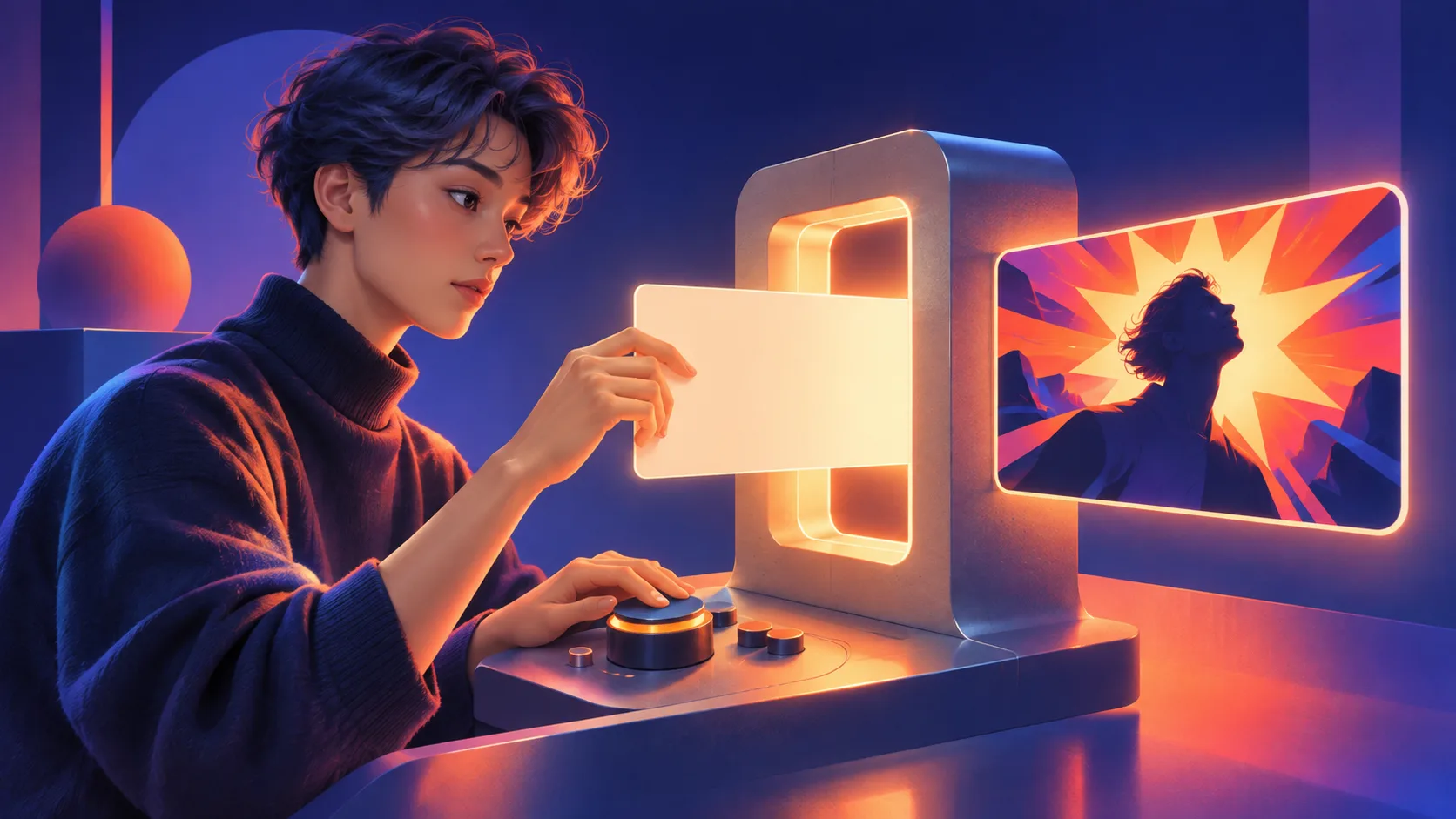
Frequently Asked Questions
What size is the output?
Can I overlay my own text?
Do I need to upload a photo?
How many credits does it cost?
Can I generate variations of the same thumbnail?
YouTube Cover Generator: Click-Through That Scales
Turn your video title into a thumbnail that earns the click. AI handles the composition, lighting, and focal point that separate 2% CTR from 10%.
How It Works
- Enter your title: the AI reads it like a headline
- Pick a style: bold, minimal, cinematic, vlog, gaming, or clickbait reaction
- Optionally add a face or product photo: it becomes the thumbnail anchor
- Generate in seconds: ready to upload
Built for YouTube
- 16:9 native: 1920×1080, YouTube-ready
- Rule of thirds: focal point offset, negative space for overlay text
- High contrast: reads at tiny sizes in the browse feed
- Expressive subjects: faces convey emotion, products feel aspirational
Who This Is For
- Creators who don't want to open Photoshop for every upload
- Agencies managing multiple channels and batching thumbnails
- Anyone A/B testing thumbnail variants to find what sticks



%20reacting%20with%20wide-eyed%20excitement.%20Symbolic%20object%3A%20a%20glowing%20violet%20infinity%20mark%20representing%20an%20endless%20automation%20pipeline.%20Warm%2C%20high-contrast%2C%20billboard-grade%20poster%20look.%22%2C%22subject_image%22%3A%22%2Fs3%2Fpipe2-ai%2Fexamples%2Fpyra-night-fury.webp%22%7D)